
A few years ago, I wrote a piece discussing if GM’s OnStar was worth the money. The argument was, a modern cellphone does most of the same things OnStar promises, but for free, and the conclusion was you’re better off saving the cash and abandoning OnStar once your trial subscription expires.
At GM Forward 2026, the Detroit-based automaker has essentially announced a total overhaul of OnStar. Going forward, it’s set to become an AI-based system capable of managing your vehicle and your wider life. While your phone has kept up in a way, they pretty much all have AI assistants now, a few of the features mentioned may actually give OnStar a clear edge in the near future.
OnStar will be able to pull data from your vehicle when needed
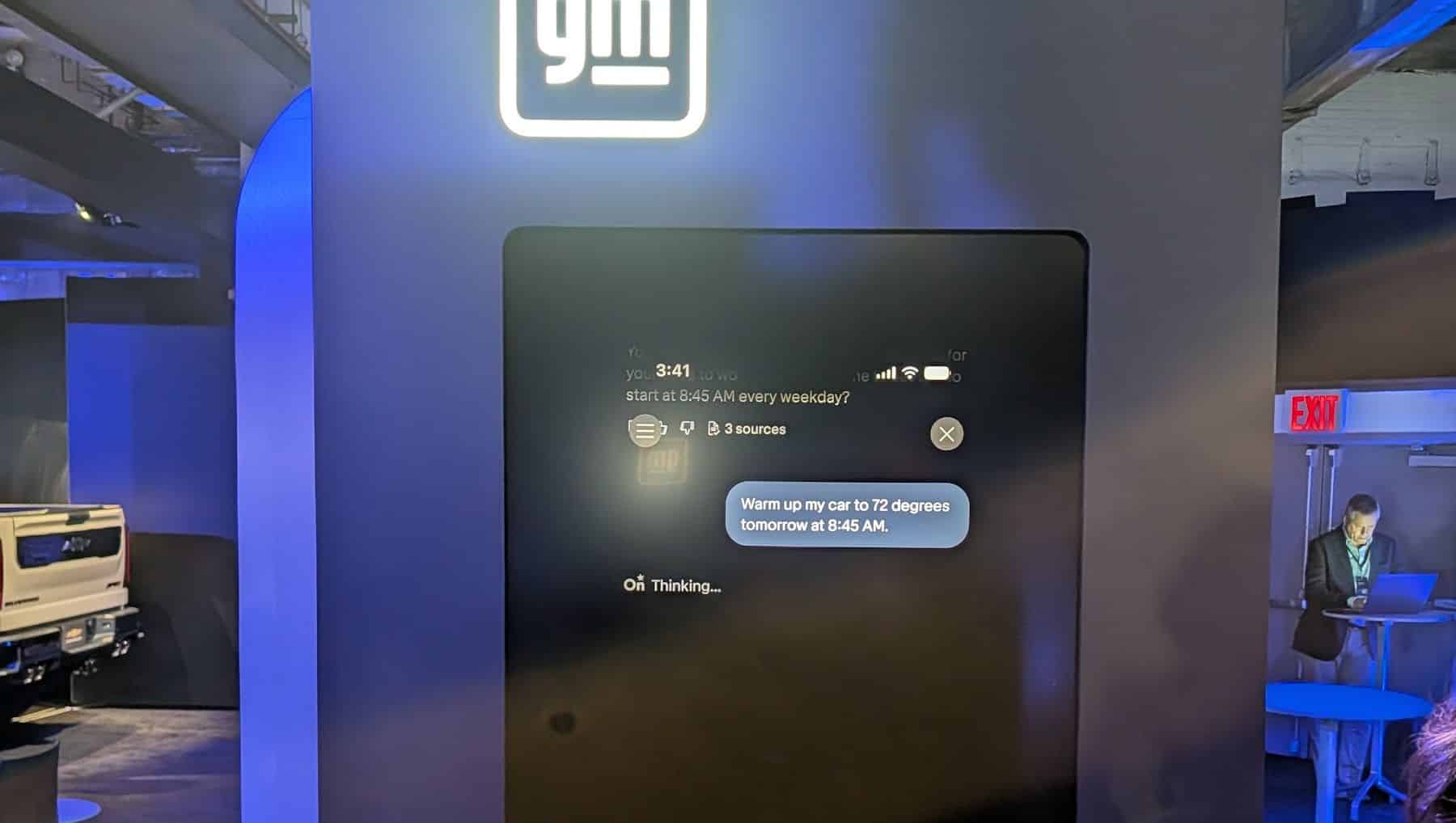
One of the more useful updates to OnStar centers on its ability to gather context from the vehicle itself. During the demo, we saw one of GM’s representatives inquire about a certain beeping sound the vehicle made recently. The AI assistant allegedly checked the vehicle’s logs and deduced that sound was an alert that plays when the vehicle goes over the speed limit.
Theoretically, there’s a lot of potential here and it goes far beyond asking about an optional alert. As anyone who’s ever plugged anything into their OBD II port knows, modern vehicles are full of sensors and tend to throw error codes when something seems off. Some of those error codes trigger things like the oil light, or check engine light. Others are more subtle. Still, you could ask OnStar exactly why said check engine light is on, instead of just ignoring it for six weeks like people normally do.
OnStar’s service can also add data to your vehicle when needed. According to GM, the service will save recordings from a vehicle’s camera when a suspected incident has occurred. These recordings are encrypted and will only be released to the person who owns the vehicle on request.
OnStar’s contextual capabilities will go beyond the car
OnStar AI’s grasp of context extends far beyond the contents of your engine bay. If you let it, it can pull information from various aspects of your life and use it to streamline things. An example GM seemingly enjoyed using involved picking one’s child up from some event or other. The parent who was supposed to pick said offspring encounters some heavy traffic along the way, which means they’ll be late.
In response, OnStar’s AI notices another family member is closer (while also presumably driving some kind of GM vehicle) and suggests asking them if they can make the pickup. The example also saw the two drivers involved essentially switching tasks, with one picking up the child and the other heading to a store.
Beyond that, OnStar can go in-depth with route planning now. GM presented a hypothetical trip between Syracuse, NY, and Lake Placid before telling us that the AI had used vehicle data from other users to work out where potential icy spots on the journey could be and adjust the route accordingly. The exact data seemed to be the number of times another vehicle broke traction on a particular stretch of road within a recent time period. However, this also suggests that some of these features will depend on how many other users are subscribed to OnStar (or at least driving GM vehicles) in a particular area.
The App is going to be more useful than ever
GM’s OnStar app is also getting a pretty major update. The GM Forward Keynote suggests it will actually be swallowing all of the individual vehicle apps GM currently offers. So if you’re overly attached to your Buick App, this may be bad news, even if key features will be carrying over. GM has yet to confirm exactly what will be free and what app features will require a subscription, but it’s fair to suggest current core vehicle features will remain free to use, while anything remotely AI-related will likely require some OnStar package or other.
Those upcoming AI features arguably take the app to the next level, and allow for increased control of your vehicle. Examples we saw at GM Forward included someone uploading a picture of a boat on a trailer to the app and asking if their vehicle could tow it. The particular vehicle wasn’t mentioned in the question, but the app knows what you’re driving and can use context to provide an accurate answer.
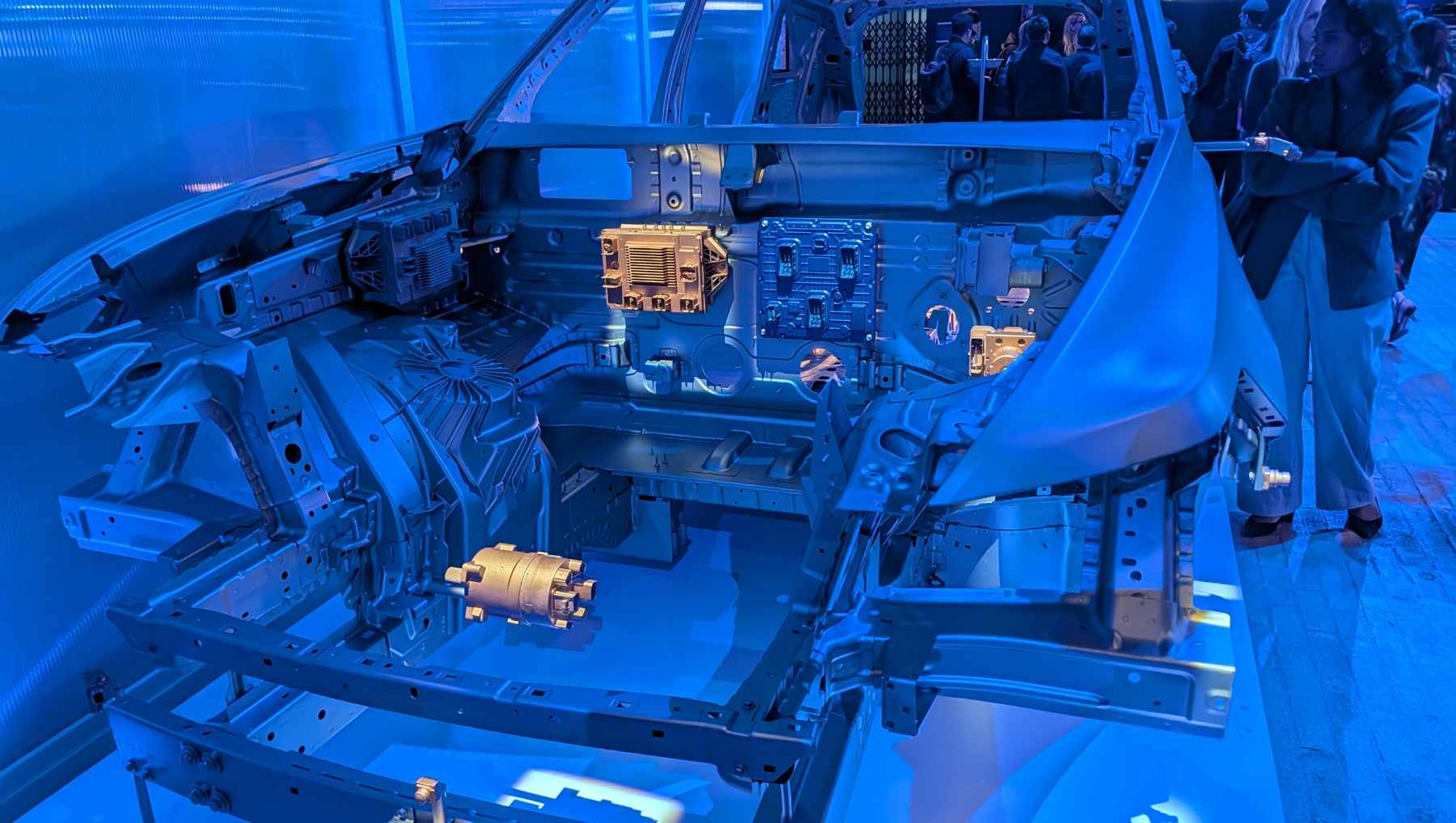
AI can also be used for increased control of scheduling. You can tell it to warm your car to a particular temperature at a particular time for example, which will be handy on winter mornings. This can be set as a regular routine, or simply a one off. The app will also remind you it is going to take a scheduled action before that action is taken, which gives you a chance to cancel it if it is no longer relevant.
So, what are the downsides?
All of this may sound good, but what are the downsides to the new AI-based OnStar? Well, like many other manufacturers GM is eyeing up “software as a service” as a major revenue driver going forwards. So if you want the best features, you may have to pay for them. This is balanced out, to a degree, by the generous OnStar trials that often come with new vehicle purchases. These often give you all of OnStar’s features for a year or more, and can often cover the length of an entire lease. This could all change, but there’s a fair chance you’ll at least get to try the new OnStar for an extended period if you purchase or lease a new GM vehicle.
There is a privacy aspect, and this isn’t me questioning GM’s security. But many of the features require you to give GM’s AI a lot of information, including the names of your family members and the current locations of everyone’s vehicles. We routinely give away amounts of information that would be frankly mind blowing to someone from a few decades ago, so this may not be an issue. But it may be off putting to some.
Finally, there’s the sheer number of AI agents around. There’s probably one or more on your phone, one or more on your PC or Laptop, and a handful of them online that you use from time to time. Now there’s going to be one in your car, and maybe a different one in another family member’s car as most OEMs are heading down this route. Some of these assistants may play well together, for example GM already has Google’s Gemini in many of its vehicles.
But equally your life could be spread across multiple AI services, which is a bit of a mess when it comes to personal information, organization, and everything else. While OnStar’s AI can seemingly manage your emails and appointments on the move, I’m not sure how suited it is to being someone’s “main” AI assistant. Time will tell I suppose.